Geofence - Configuration
This section describes how to configure the Geofence plugin.
|
In the finished app, the plugin does not offer any UI; it only restricts the camera movements to the defined area. |
Clicking on  opens the Plugin Editor window, which shows the available configuration options:
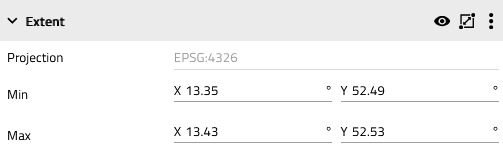
Figure 1. Menu for the configuration of the Geofence plugin
The geofence extent can be defined by setting the coordinates of its four corners. Alternatively, the header offers the possibility to draw the extent directly on the map.